VPS for WordPress with ispmanager
ispmanager can simplify WordPress administration, but the panel does not replace capacity planning, updates, backups or monitoring. Size the VPS for the application and its traffic.
Starting resource ranges
| Workload | Starting point | Watch closely |
|---|---|---|
| One small brochure site | 2 vCPU, 2–4 GB RAM | PHP memory, update spikes |
| Several content sites | 2–4 vCPU, 4–8 GB RAM | Database and cache hit rate |
| Store or membership site | 4+ vCPU, 8+ GB RAM | Checkout latency, background jobs |
These are planning ranges, not guarantees. Plugin quality, uncached traffic, imports, image processing and WooCommerce can change requirements dramatically.
Deployment sequence
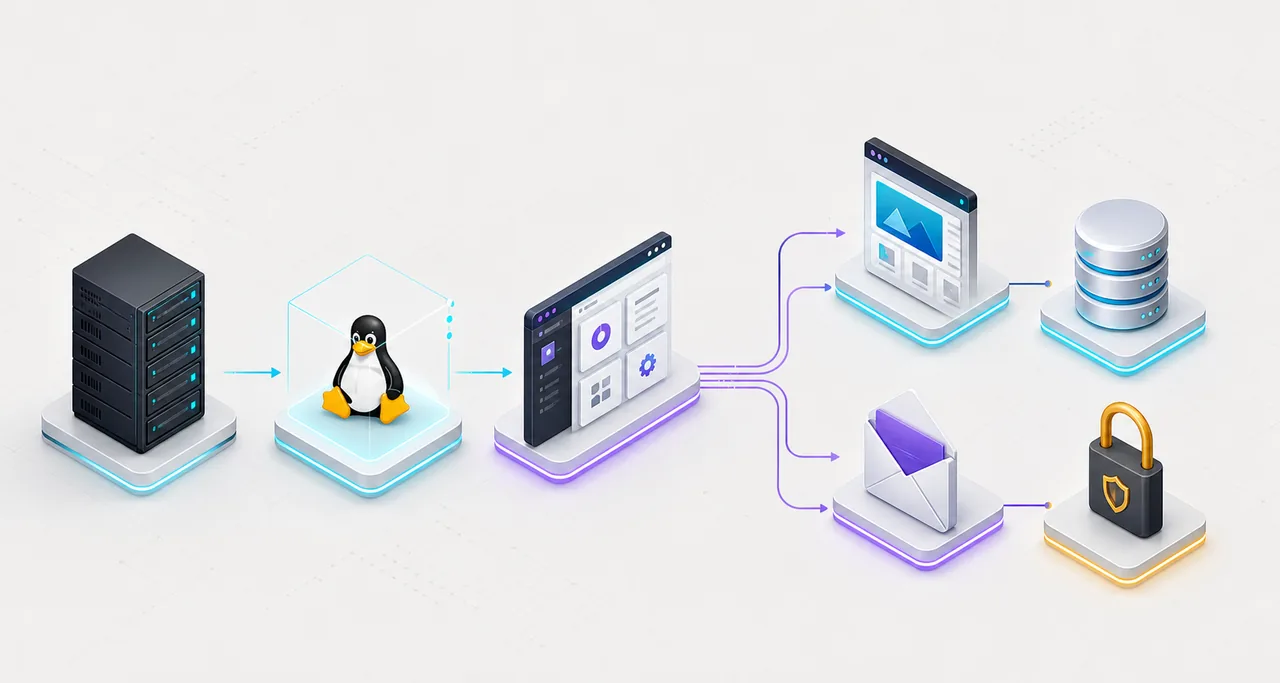
- Select a supported Linux version and a clean VPS.
- Install or provision ispmanager and enable automatic security updates.
- Create the site, database, PHP version and TLS certificate.
- Restore content, then test with a temporary hostname.
- Configure off-server backups and a restore schedule.
- Add uptime and resource monitoring before DNS cutover.
Performance priorities
Use a current PHP version supported by the application, enable an appropriate opcode cache, keep the database healthy and add page caching where the site allows it. Do not treat a higher CPU count as a substitute for removing a slow plugin. Measure real page generation time and database queries.
Security and recovery
Restrict administrator access, use unique credentials and multi-factor authentication where available, patch plugins promptly and keep backups outside the VPS. A backup is only useful after a successful restore test. Mail can increase attack surface; external transactional mail is often simpler for important messages.
Check VPS plans for WordPress
Verify the current plan, location, renewal price and panel fee before checkout.
View current plans →FAQ
How much RAM does WordPress with ispmanager need?
A small low-traffic site may fit in 2 GB, but 4 GB or more gives safer room for Linux, database, PHP workers, mail and updates. Measure the actual workload.
Does ispmanager install WordPress?
The available workflow depends on edition and host configuration. Even with an installer, you remain responsible for plugins, updates, backups and security.